
A cutout. Endless possibilities.
Make an image background transparent.
Turn a photo into a transparent PNG. Remove the background, refine the edges and download a cutout you can use on any color or image.
JPG, PNG, WebP or BMP · Up to 3 MB each
Free online · No sign-up · No watermark
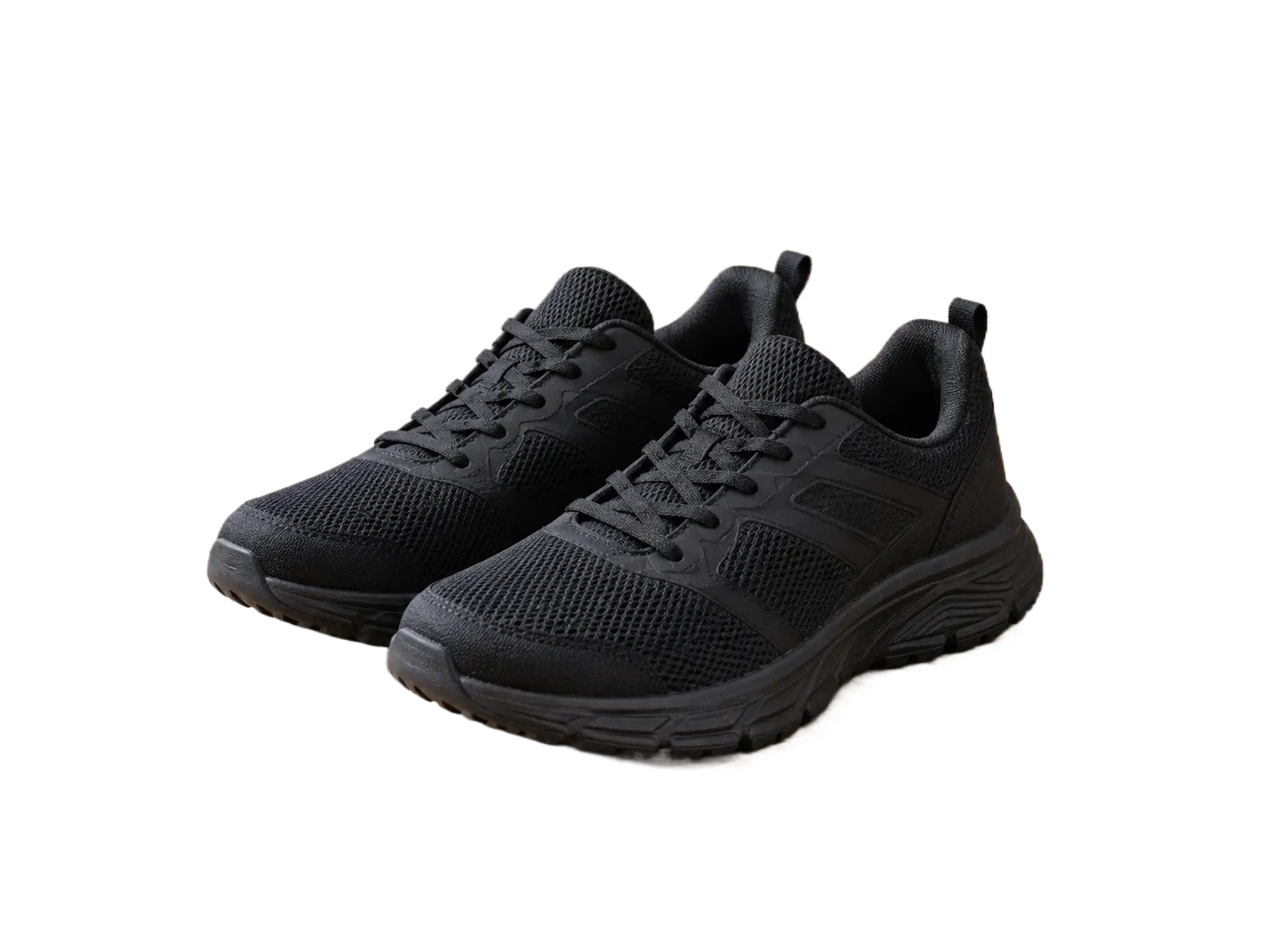
The checkerboard represents transparency. It is not part of your download.
How it works
- 01
Upload a photo
- 02
Remove and refine
- 03
Download transparent PNG
Explore the details
One image, any background
A transparent background lets the same subject move between a presentation, a product listing and your next design. Switch the preview surface to check the cutout before using it elsewhere.
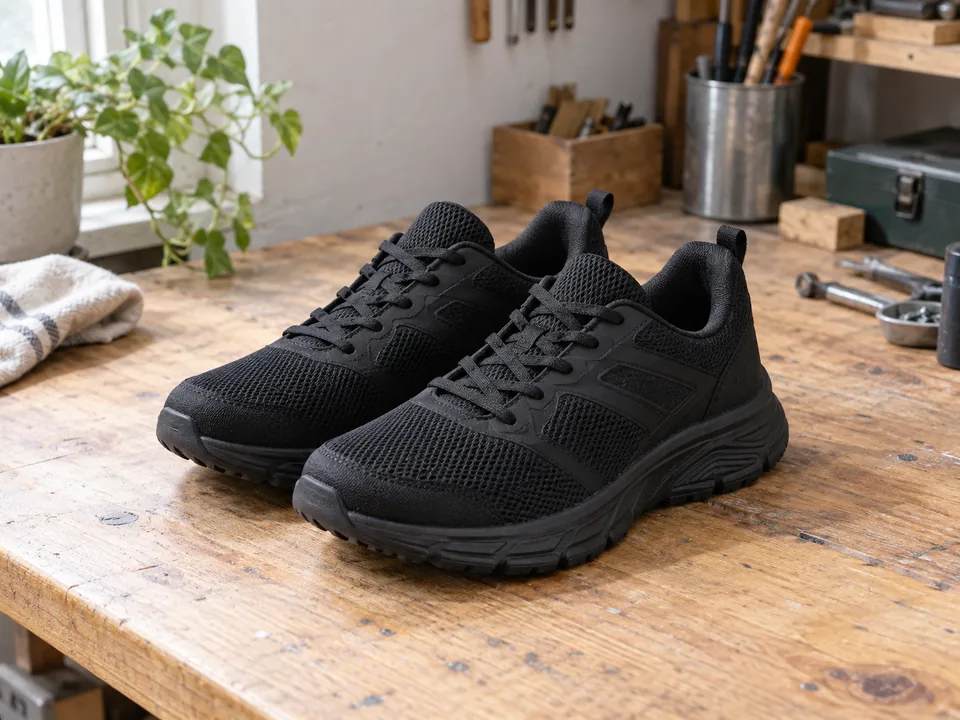


Create a transparent PNG from a photo
Upload JPG, PNG, WebP or BMP up to 3 MB. The tool separates the subject from its surroundings. Keep the background transparent and use the erase or restore brush if part of the result needs attention.
Check the actual file, not just the viewer
Some image viewers place transparent pixels on white. Try the downloaded PNG over a dark or colored background to check its transparency. A PNG with a white backdrop baked into its pixels still needs background removal.
Questions, answered.
Can a JPG become transparent?
Yes. Upload the JPG and download the processed result as PNG, which supports transparency. The original JPG itself does not gain an alpha channel.
Will the checkerboard appear in my image?
No. It is a preview surface behind transparent pixels. Keep the editor background transparent when downloading.
Does this change the opacity of the whole image?
No. This tool removes the background around a subject. It does not provide a whole-image opacity slider.
Ready for your own image?
Free online · No sign-up · No watermark