RemoveBGRemoveBG

Bulk & Batch Background Remover

Remove backgrounds from multiple images at once. Upload up to 20 images, review the results, and download everything as a ZIP.

1 credit per new image, including full-size download.

Batch processing requires a paid plan or credit pack. Choose your plan

Drop up to 20 images here

JPG · PNG · WebP · BMP · Up to 3 MB per image

Process multiple images in one batch

Add up to 20 product photos or portraits. Each image has its own status, so one failure does not stop the rest.

Apply the same background to every image

Keep the transparent PNG, choose white or black, or pick a custom color. Changing colors uses the completed cutout without another AI request.

Download all completed images as ZIP

Save finished PNGs in one ZIP, even while other images are still processing. Failed images stay out of the archive.

Built for product and catalog workflows

Prepare ecommerce listings, marketplace catalogs, team photos, and other image collections in a single workflow.

Upload multiple images → process → download ZIP

Add a group of images, watch the independent result for each, retry failed items, then save completed PNGs together. A failed image stays out of the ZIP and does not stop other completed items.

  • Upload: up to 20 JPG, PNG, WebP or BMP files, each at most 3 MB.
  • Process: up to three images concurrently; choose transparency, white, black or a custom color for all or selected images.
  • Download: completed results become full-size PNGs in one ZIP after the credit check.

Where batch work saves steps

Use a product catalog for ecommerce or Shopify, a group of listing photos for Amazon, or a vehicle inventory for a dealership. Photography studios and teams can keep a shared background while still checking each image's edge and framing.

Product catalog batch

Different products need different edge checks even when they share one export workflow.

Ecommerce catalog

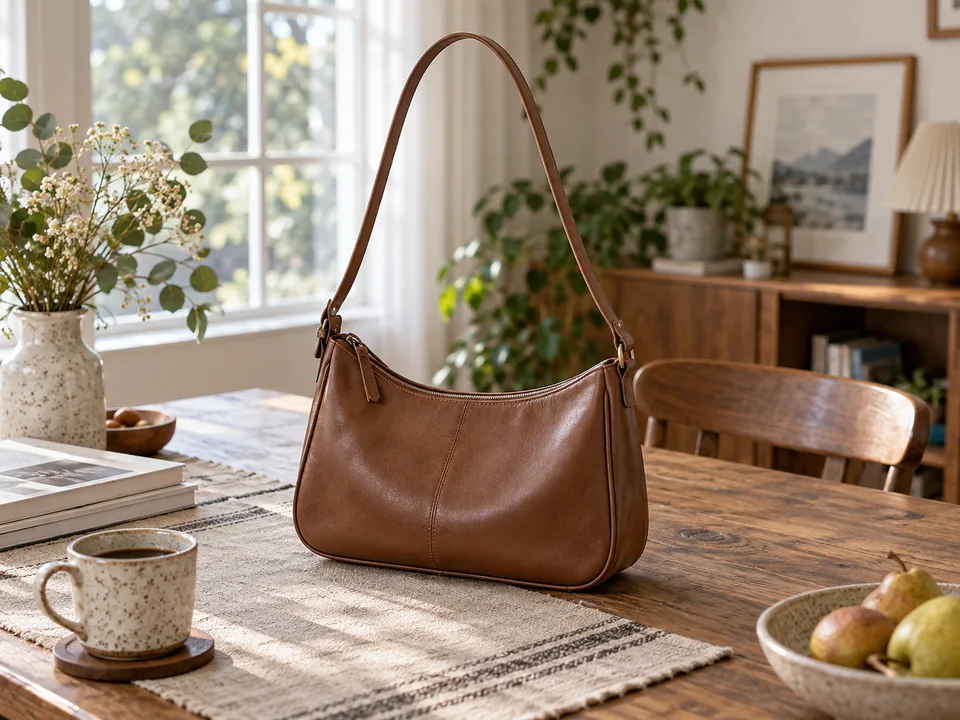
Shoulder bag
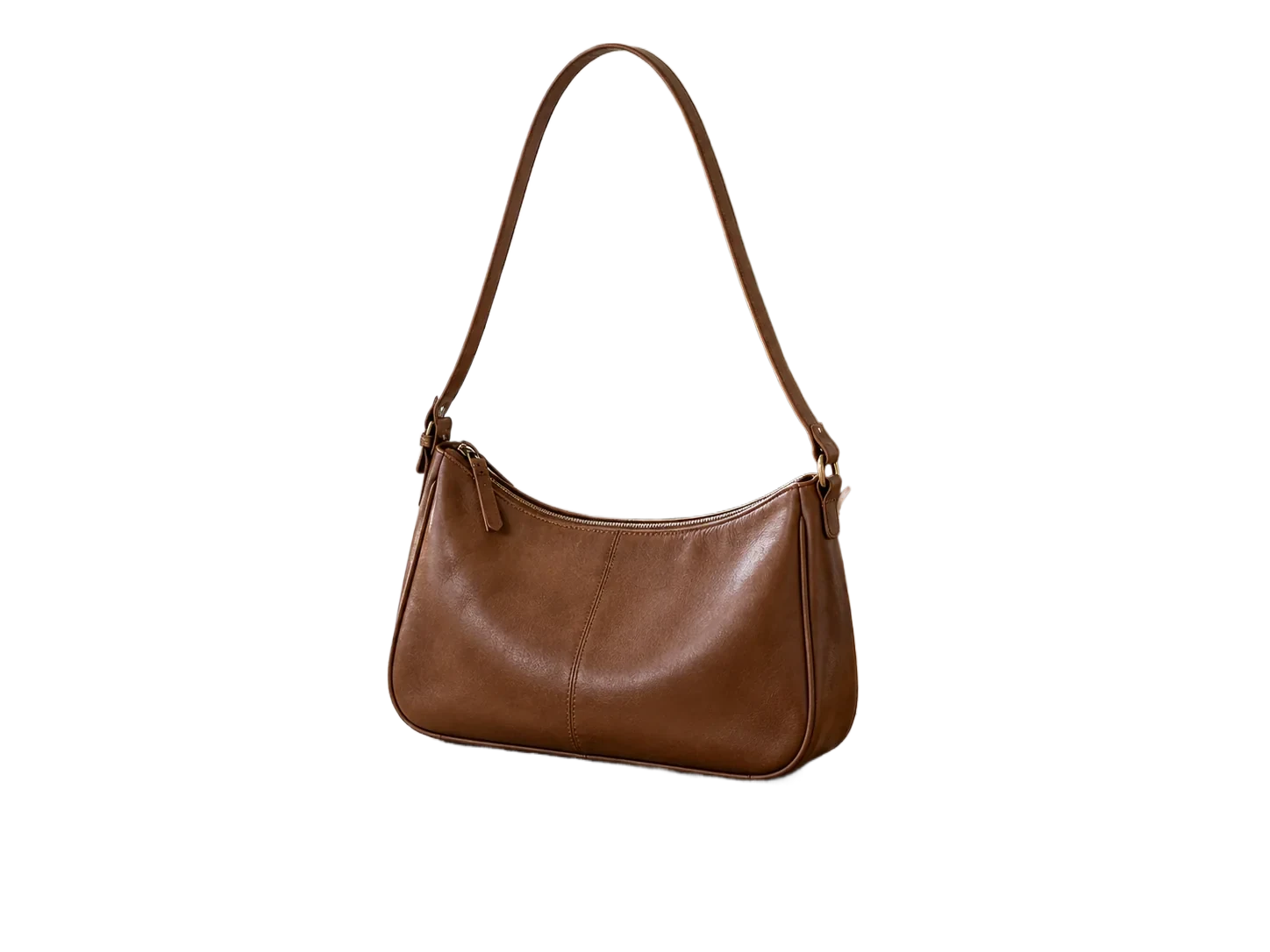
Shoulder bag — Example cutout
Shoulder bag
Original imageBackground removed
Original resolution
1448 × 1086 px
Result resolution
1448 × 1086 px
Demo result format
WEBP
Background
Indoor scene to transparency
Edge to inspect
Thin straps

What to check: Review handle gaps before adding the image to a shared ZIP.
Ecommerce catalog

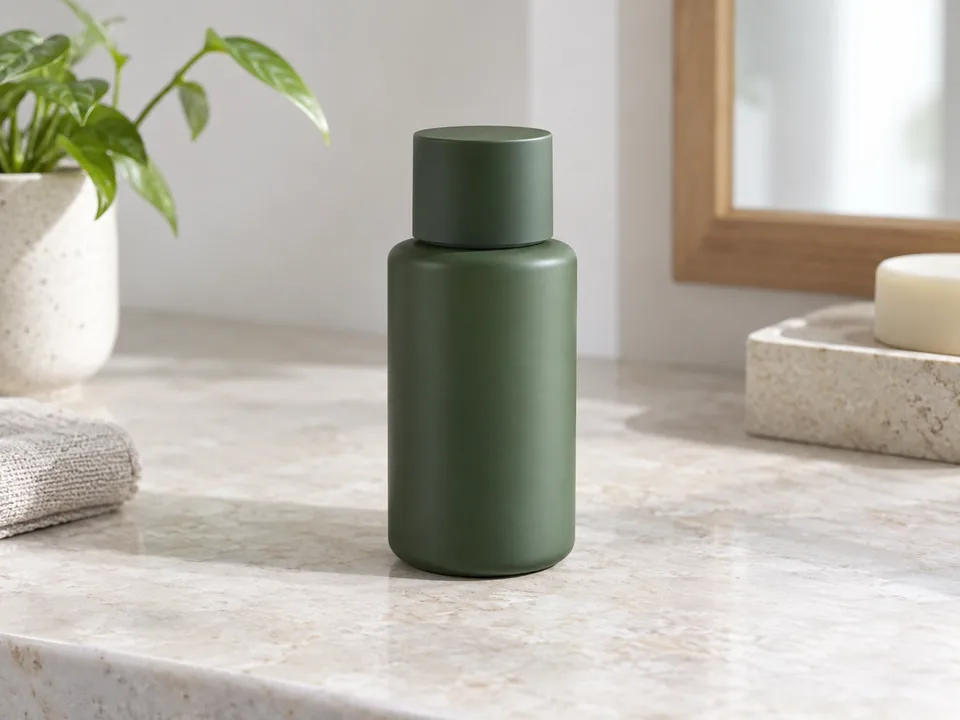
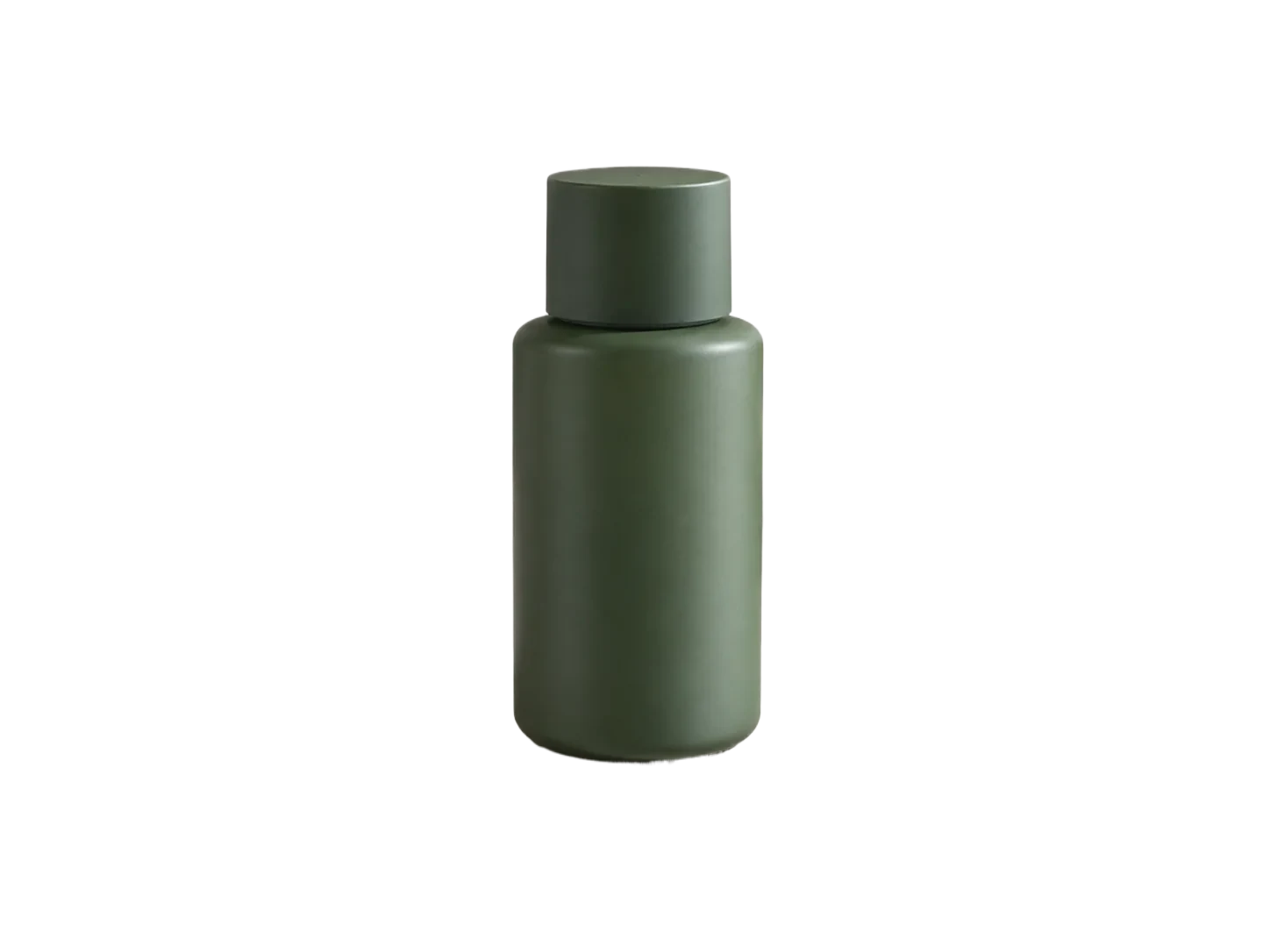
Skincare bottle

Skincare bottle — Example cutout
Skincare bottle
Original imageBackground removed
Original resolution
1448 × 1086 px
Result resolution
1448 × 1086 px
Demo result format
WEBP
Background
Product scene to transparency
Edge to inspect
Cap and label

What to check: Check branding and base pixels before export.

Vehicle inventory batch

A batch can use one background, but each vehicle still needs its glass and shadow checked.

Dealership inventory

Silver sedan

Silver sedan — Example cutout
Silver sedan
Original imageBackground removed
Original resolution
1448 × 815 px
Result resolution
1448 × 815 px
Demo result format
WEBP
Background
Outdoor scene to transparency
Edge to inspect
Windows and tires

What to check: Inspect the view through windows before choosing a shared backdrop.

Dealership inventory

Navy sedan

Navy sedan — Example cutout
Navy sedan
Original imageBackground removed
Original resolution
1448 × 815 px
Result resolution
1448 × 815 px
Demo result format
WEBP
Background
Outdoor scene to transparency
Edge to inspect
Mirrors and body reflections

What to check: Check reflective panels and underbody before ZIP export.

Bundled original and cutout files are shown for inspection. File dimensions and format describe these demo assets, not a live processing benchmark.

More questions

Is this different from the single-image editor?

Yes. The batch page checks credits for multiple new images, tracks each result, can apply one background to all or selected items and exports completed PNGs in a ZIP.

How many images can I upload in one batch?

Paid users can add up to 20 JPG, PNG, WebP or BMP images, with a 3 MB limit per image. Each new image uses 1 credit.

Can I download completed results if another image fails?

Yes. The ZIP contains completed PNGs. Failed items stay out of the archive and can be retried separately.