
Footwear
Running shoe
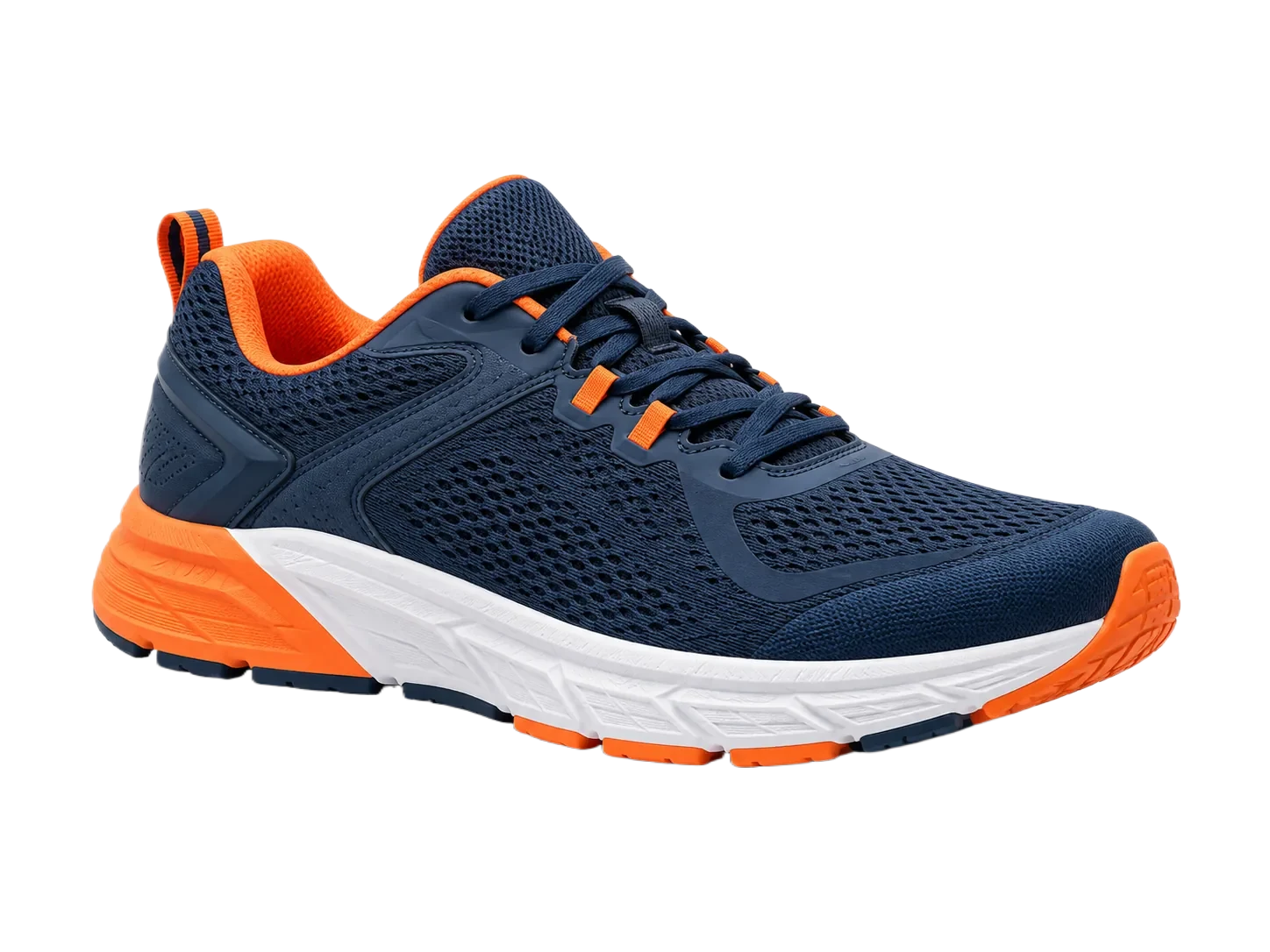
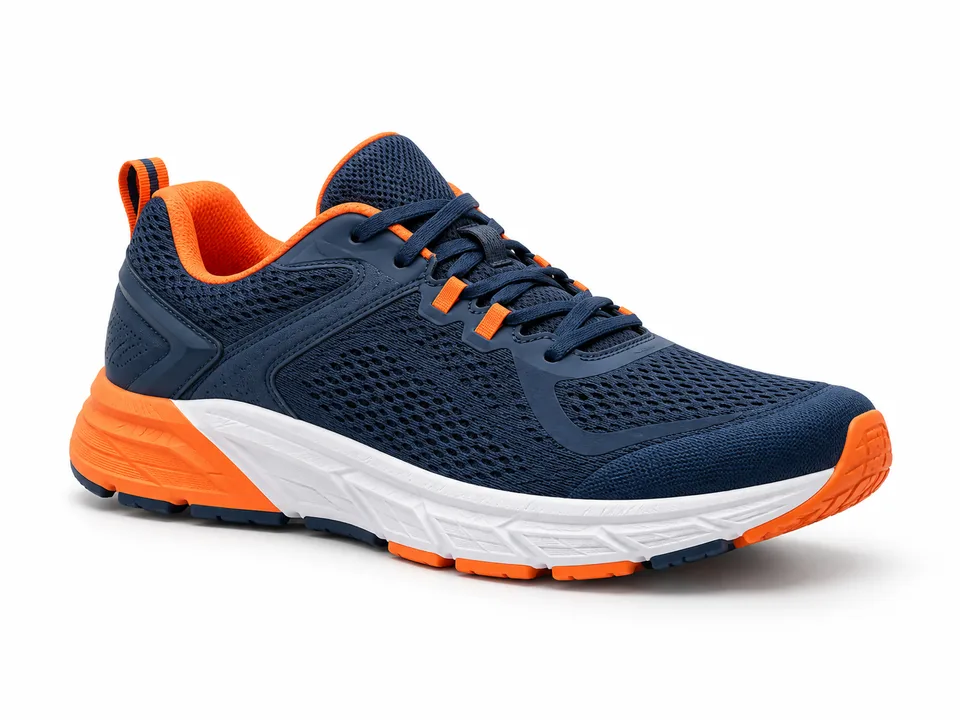
- Original resolution
- 1448 × 1086 px
- Result resolution
- 1448 × 1086 px
- Demo result format
- WEBP
- Edge to inspect
- Laces and sole openings
What to check: Check the small gaps around the laces before adding this item to a catalog.
Prepare a collection of product photos for an online store without treating every image as an isolated design project. Review each cutout, choose a consistent output, and move larger sets through the dedicated batch tool.
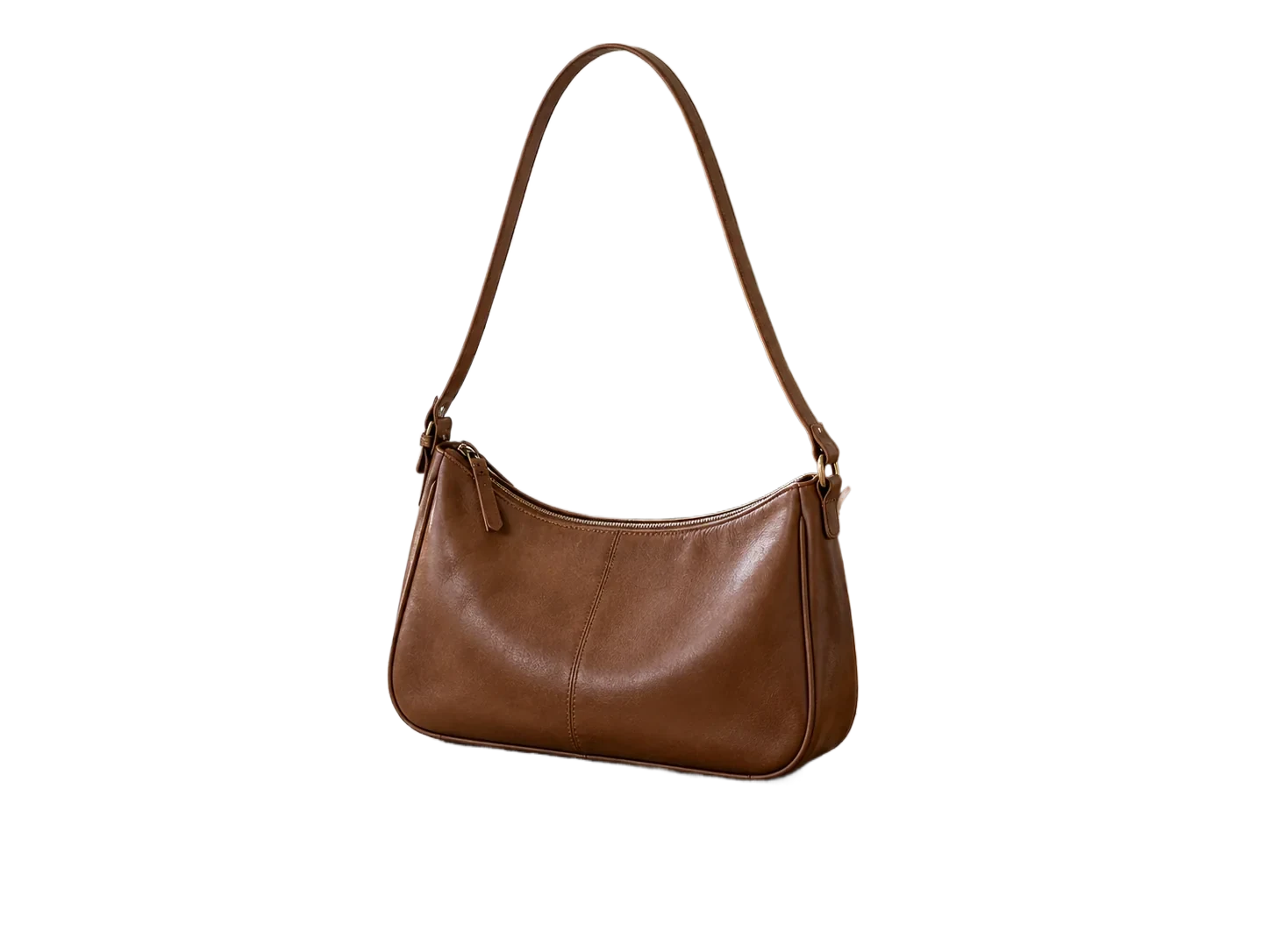
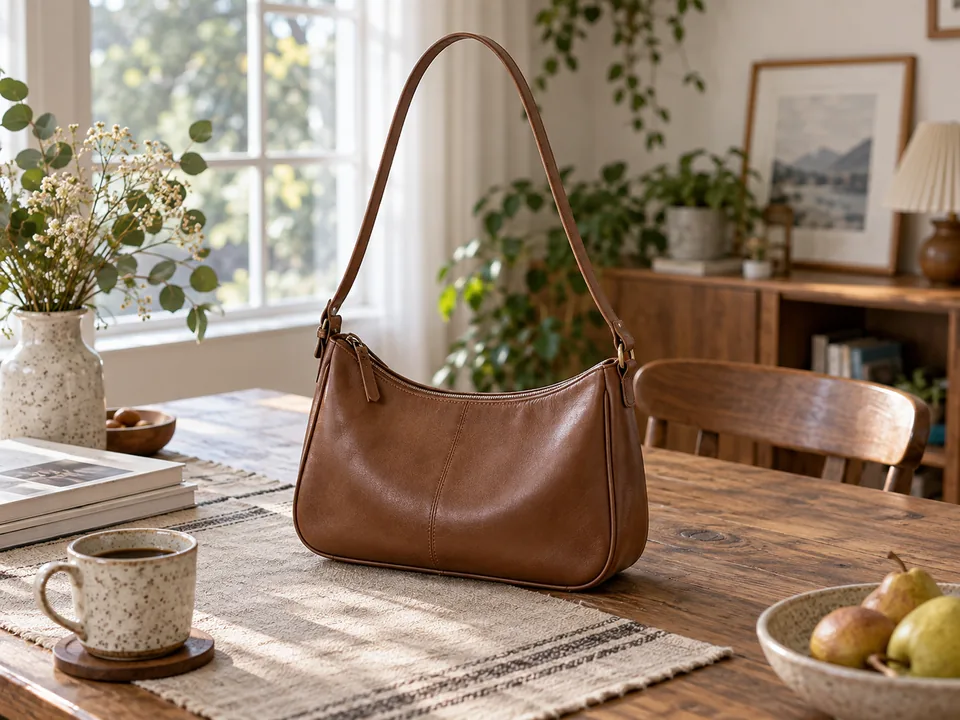
Upload product photos
Remove each background
Choose transparent or white output
Process a batch
Review and download completed PNGs as a ZIP
A shared background helps a store catalog feel coherent, but edge quality, framing and subject scale still need individual review. Start with a representative shoe, bottle or bag before processing a larger set.
Use a transparent PNG when the same product must appear on different layouts. Choose the editor's #FFFFFF background when a white presentation fits the destination. This tool does not certify marketplace compliance or publish listings.
The paid batch page accepts up to 20 eligible JPG, PNG, WebP or BMP images of at most 3 MB each. Apply one transparent or solid-color background to all or selected items, inspect each result, and export completed full-size PNGs together in a ZIP. Each new image requires a credit.
Online stores, marketplace sellers, Shopify store operators and catalog teams can prepare files here, then upload them through their own store workflow. There is no direct Shopify integration.
These are bundled original and cutout files, not a timed processing test. The shoe and bottle need different edge checks before a shared export.
Footwear
What to check: Check the small gaps around the laces before adding this item to a catalog.
Packaged product
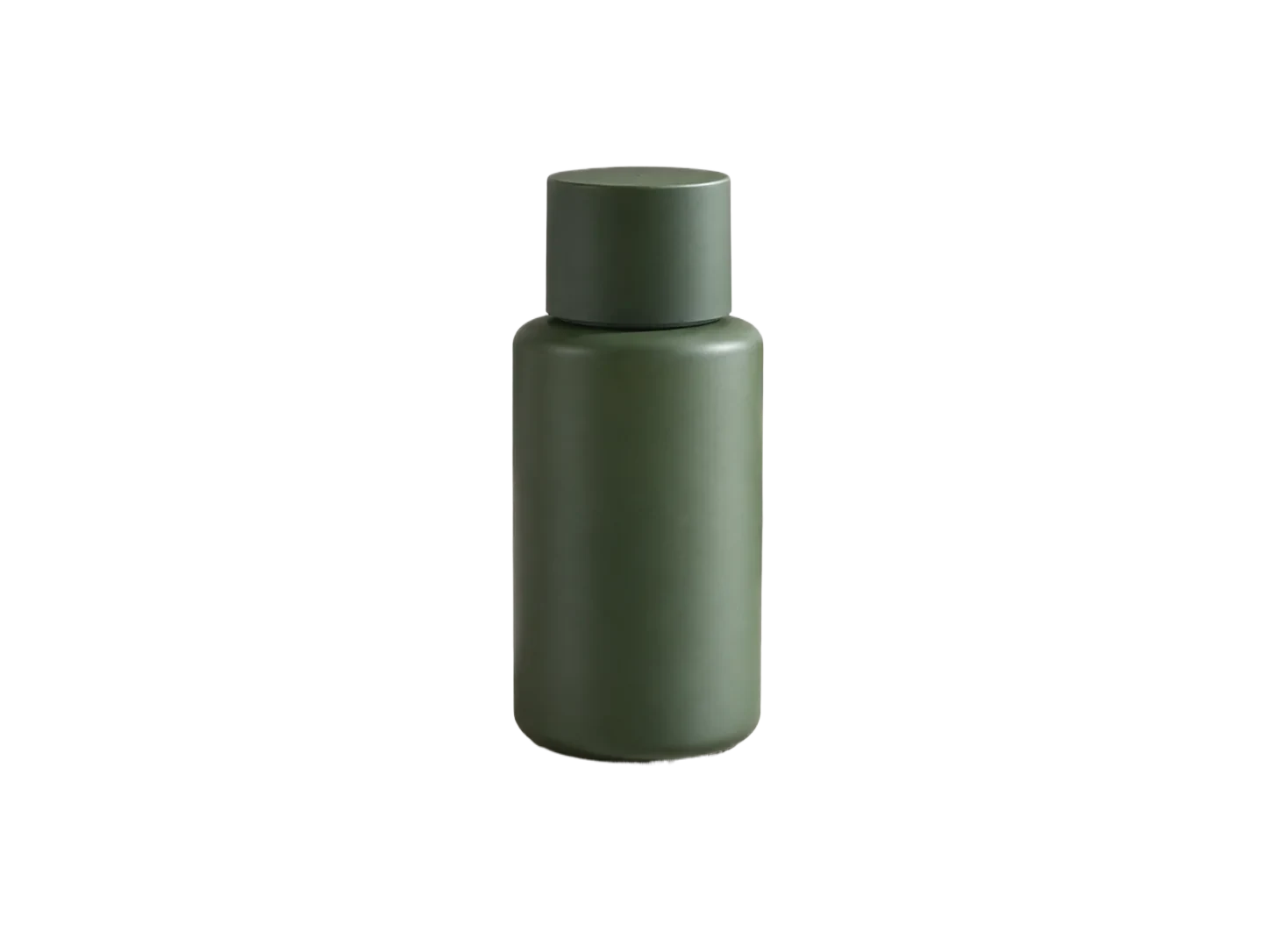
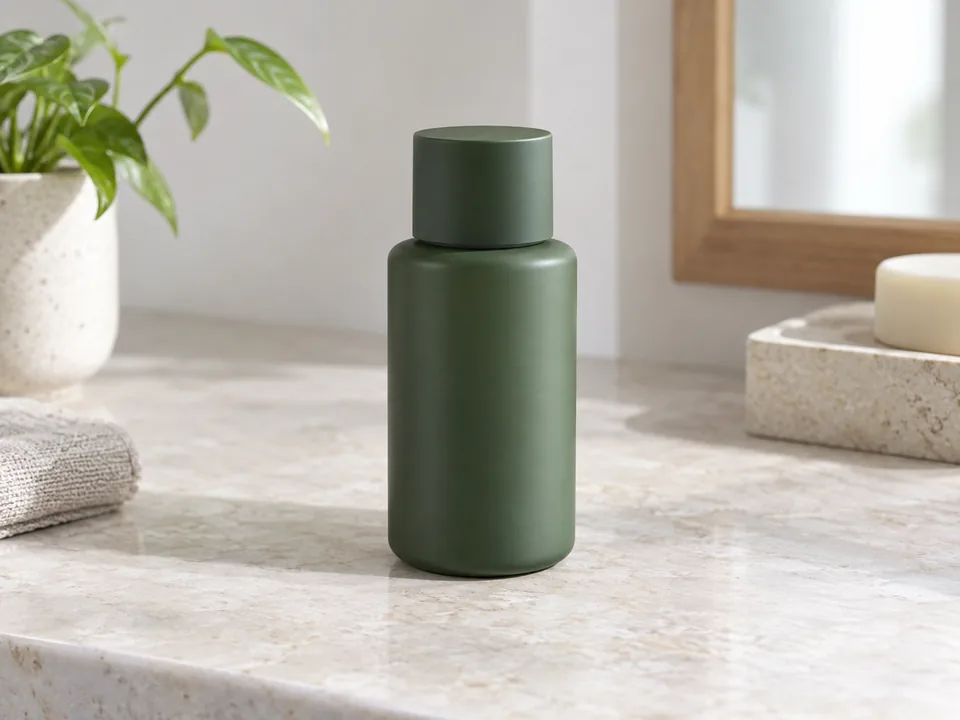
What to check: Confirm that branding and base pixels match the source.
You can prepare and download image files for your store, then upload them yourself. This site does not connect to Shopify.
Yes. The paid batch tool packages completed full-size PNG results in one ZIP after checking the needed credits.
That depends on your store design and destination rules. Transparent files are more reusable; white can help create a consistent catalog. Check marketplace requirements separately.