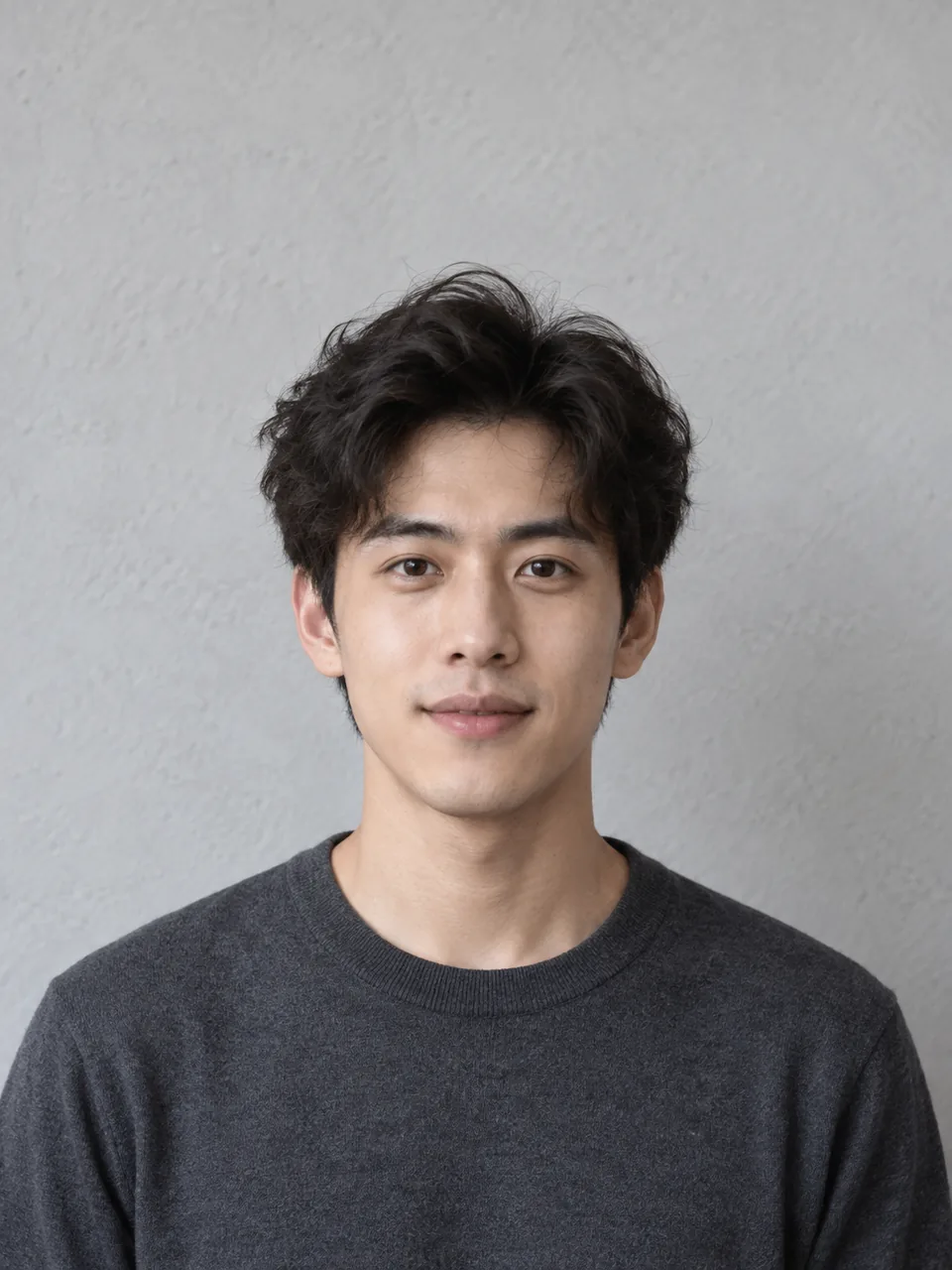
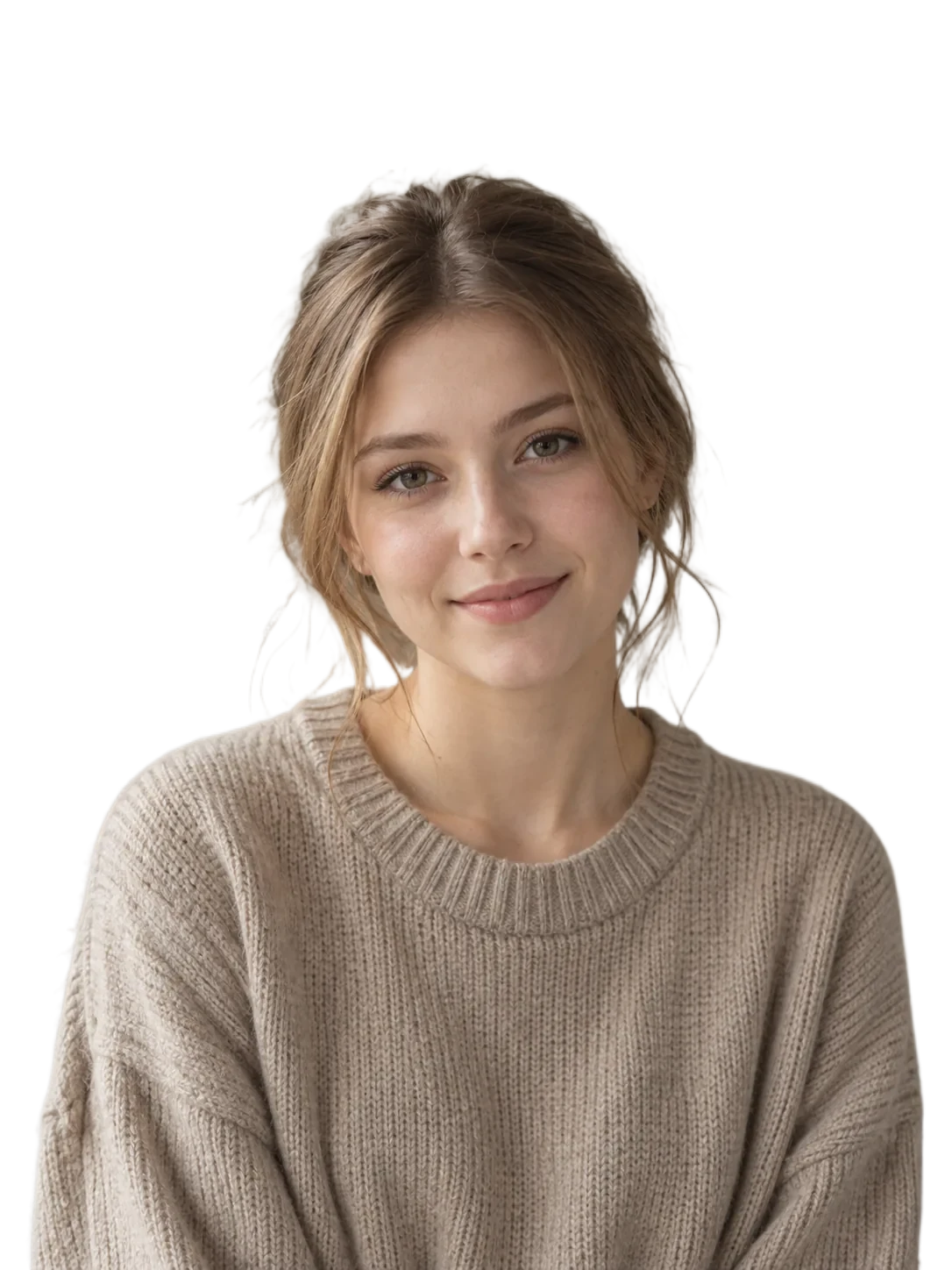
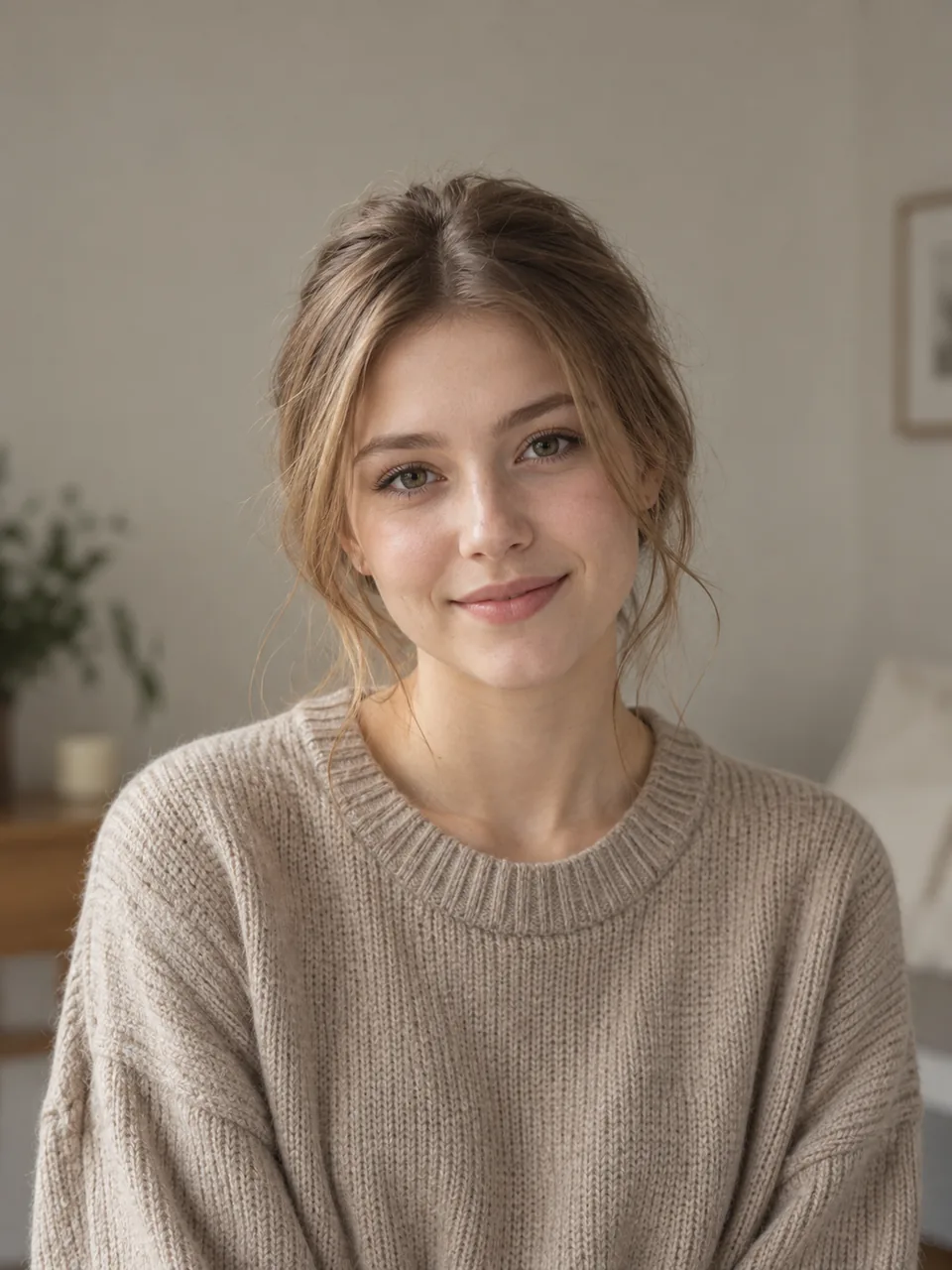
RemoveBG

Clean Up the Background of an Existing Headshot

Start with a real head-and-shoulders photo. Remove distracting surroundings, inspect the edges, and choose a transparent or neutral background for a profile. This edits an existing photo; it does not generate a new headshot.

Clean Up the Background of an Existing Headshot — Example cutout
Clean Up the Background of an Existing Headshot
Original imageBackground removed

From existing photo to profile image

  1. 01

    Upload a headshot with enough shoulder room

  2. 02

    Remove the original background

  3. 03

    Inspect hair, ears, clothing and shoulders

  4. 04

    Choose transparency or a neutral color

  5. 05

    Download and review the PNG at its intended size

Keep the person and framing intact

A background change cannot reconstruct shoulders or clothing outside the source frame. Check the entire head-and-shoulders silhouette and preserve any glasses, earrings or collar details that matter.

Look closely at hair edges

Flyaways and low-contrast strands can blend with the old scene. Preview the cutout on both light and dark surfaces. Use the editor's erase and restore brushes for local corrections, then compare with the original.

Transparent PNG or neutral backdrop

Keep transparency for a reusable profile cutout, or choose a solid neutral color in the editor for a finished image. The tool changes the background; it does not retouch facial features or create studio lighting.

Profile uses

Prepare an image for a LinkedIn profile, résumé, team directory, company page or creator profile. Upload the finished file to those services yourself; no direct integration is offered.

A head-and-shoulders example

Inspect the bundled original and cutout around the shoulder line as well as the hair. File facts describe the demo assets, not a quality benchmark.

Headshot

Front-facing profile
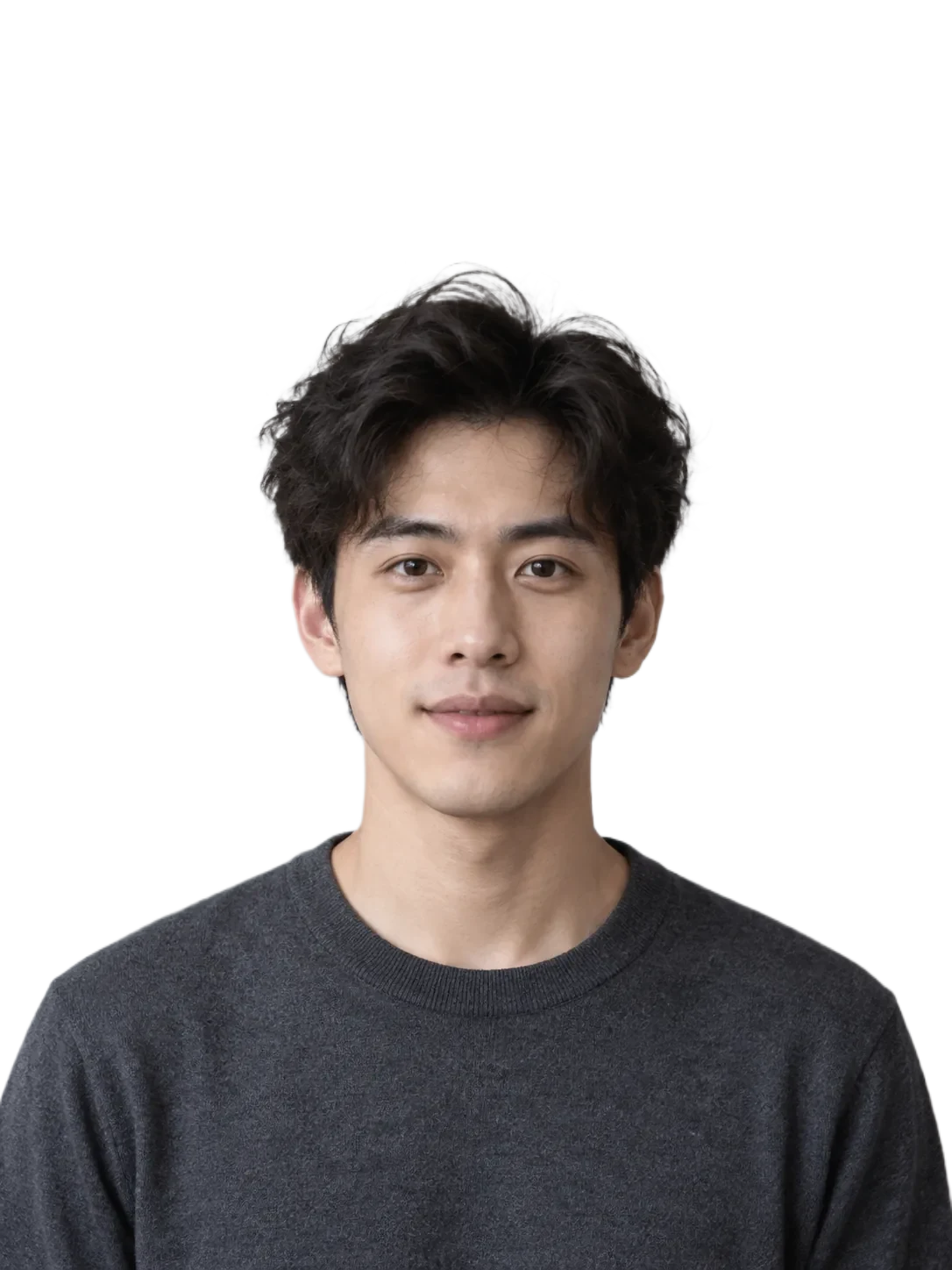
Front-facing profile — Example cutout
Front-facing profile
Original imageBackground removed
Original resolution
1086 × 1448 px
Result resolution
1086 × 1448 px
Demo result format
WEBP
Edge to inspect
Hair, ears, shoulders and collar

What to check: Keep the original framing and check the whole outline at profile size.

Headshot background questions

Does this create a professional headshot from scratch?

No. It removes or replaces the background of an existing photo; pose, expression and lighting come from your source image.

Can I keep the background transparent?

Yes. Leave the editor background transparent and download a PNG after checking the edges.

What if hair or clothing is clipped?

Compare with the source and use a small restore brush where subject pixels were removed. Complex edges may need additional manual work.

Related portrait tools