
A workflow for more than one image
Remove backgrounds from multiple photos.
Add multiple photos to the background remover, process them in sequence and review each result. Downloads and background choices are handled per image.
Choose your photos in the editor.
Free PNG preview · No sign-up · No watermark
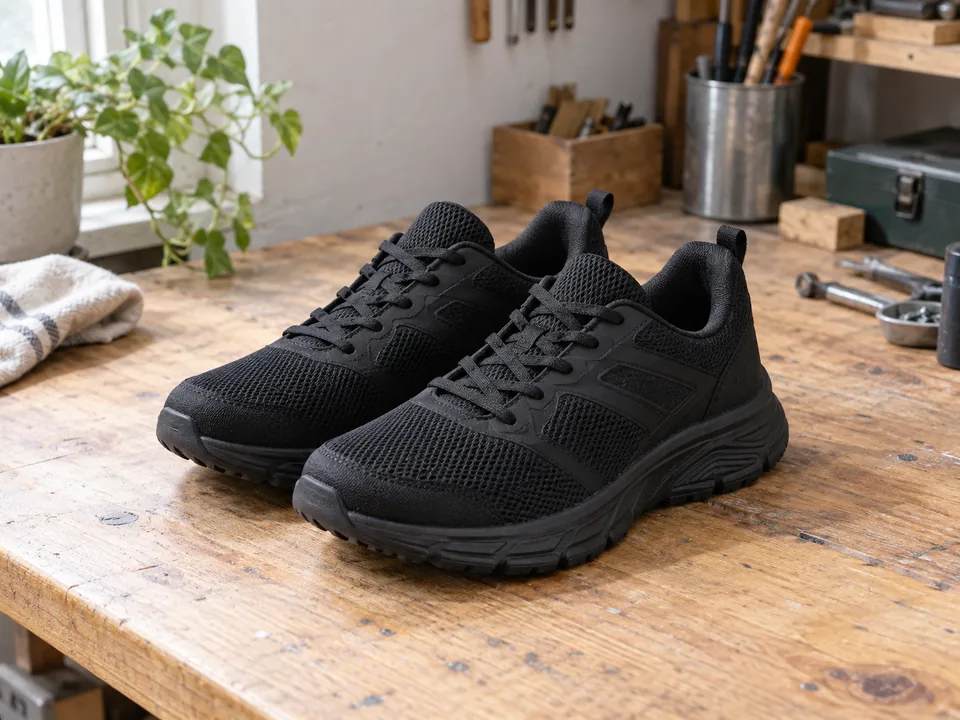


Sequential processing. Individual downloads. No ZIP export or one-click background changes across all images.
How it works
- 01
Choose multiple files
- 02
Review each cutout
- 03
Download individually
Explore the details
Select several photos at once
Open the editor and choose multiple JPG, PNG, WebP or BMP files. Each file must be up to 3 MB. Images are added to the same editing session and processed in sequence rather than as one combined image.
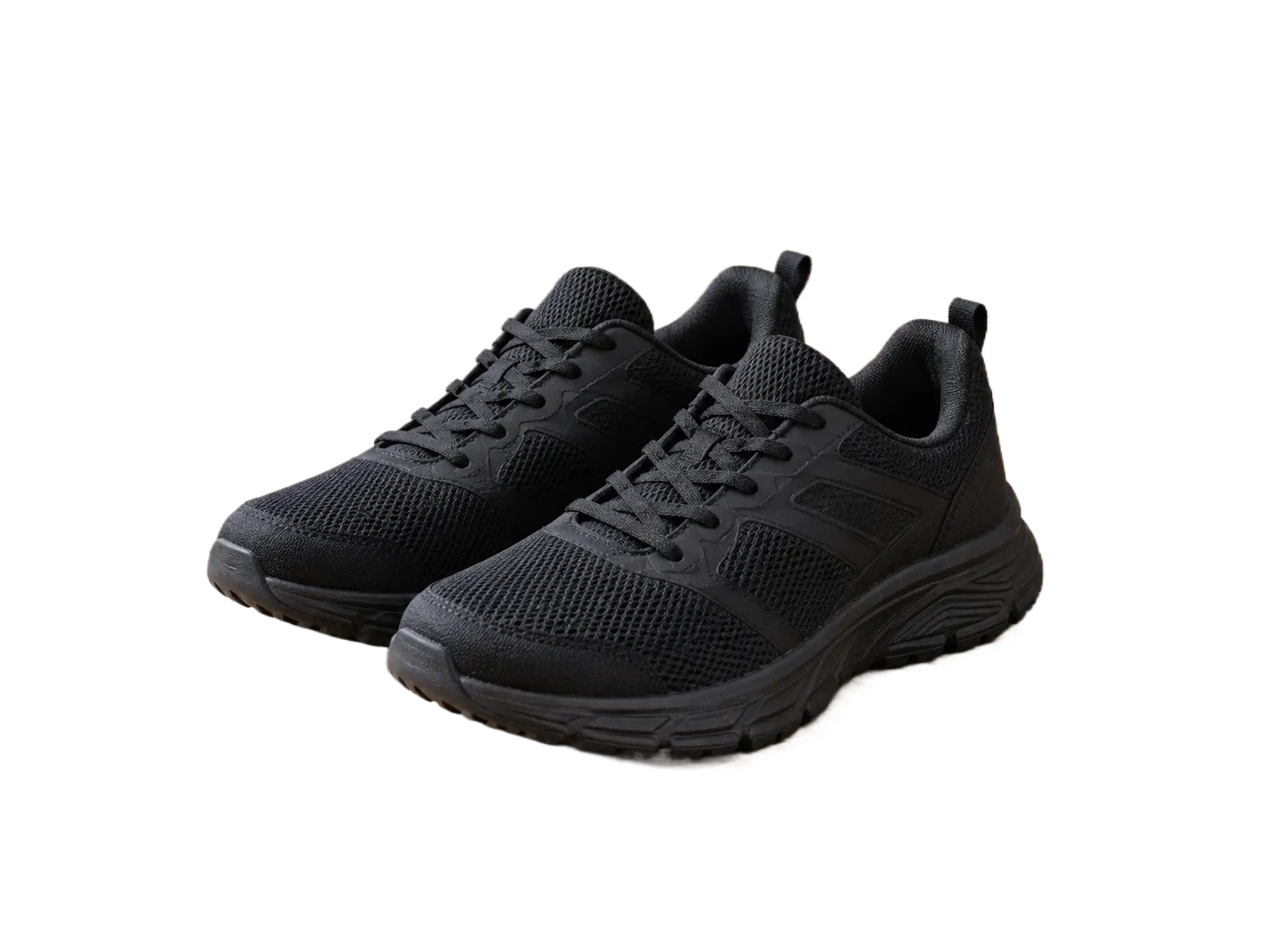
Sequential processing. Individual downloads. No ZIP export or one-click background changes across all images.
Every result deserves a review
Switch between the image thumbnails to inspect edges, erase unwanted areas or restore missing details. A setting chosen for one image does not automatically apply to the rest. Download each finished image individually.
Need an automated pipeline?
The developer API accepts one image per request. Your application can orchestrate multiple calls within the documented limits. API access has API-enabled plan requirements and per-image billing rules, using the same account credit balance and does not turn the web editor into an unattended batch service.
Explore the APIQuestions, answered.
Can I download a ZIP?
No. The editor downloads the selected image as PNG.
Are all images processed at once?
They are processed in sequence. Keep the editor open while processing and review any failed items.
Is there a shared background setting?
No. Background selection is per image, so review and apply it to each result separately.
Ready for your own image?
Free PNG preview · No sign-up · No watermark