
From your workbench to your storefront
Remove product backgrounds. Ready your next listing.
Remove distracting backgrounds from shoes, bottles and bags. Create transparent product cutouts or white-background photos for your next listing.
JPG, PNG, WebP or BMP · Up to 3 MB each
Free PNG preview · No sign-up · No watermark
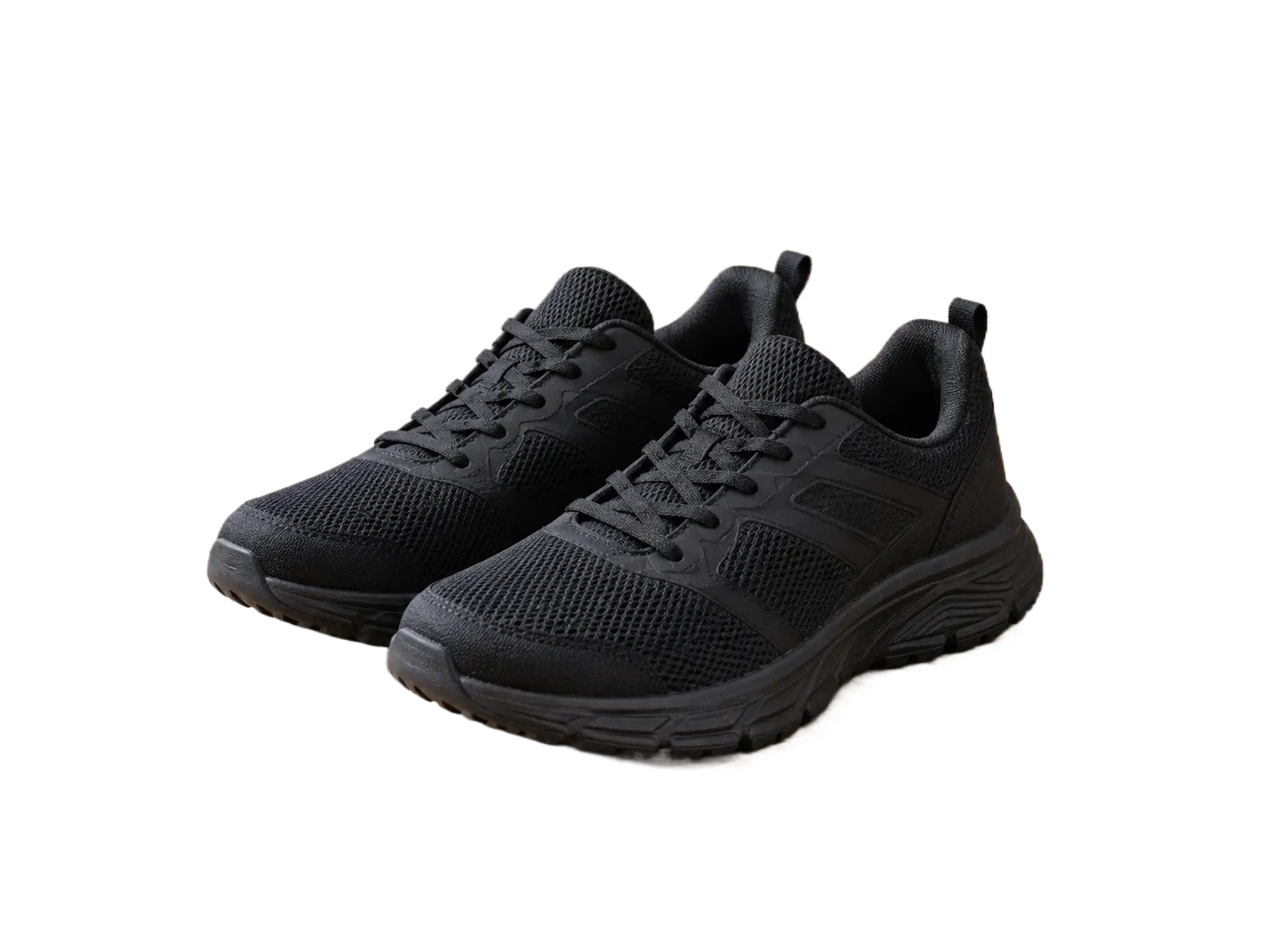
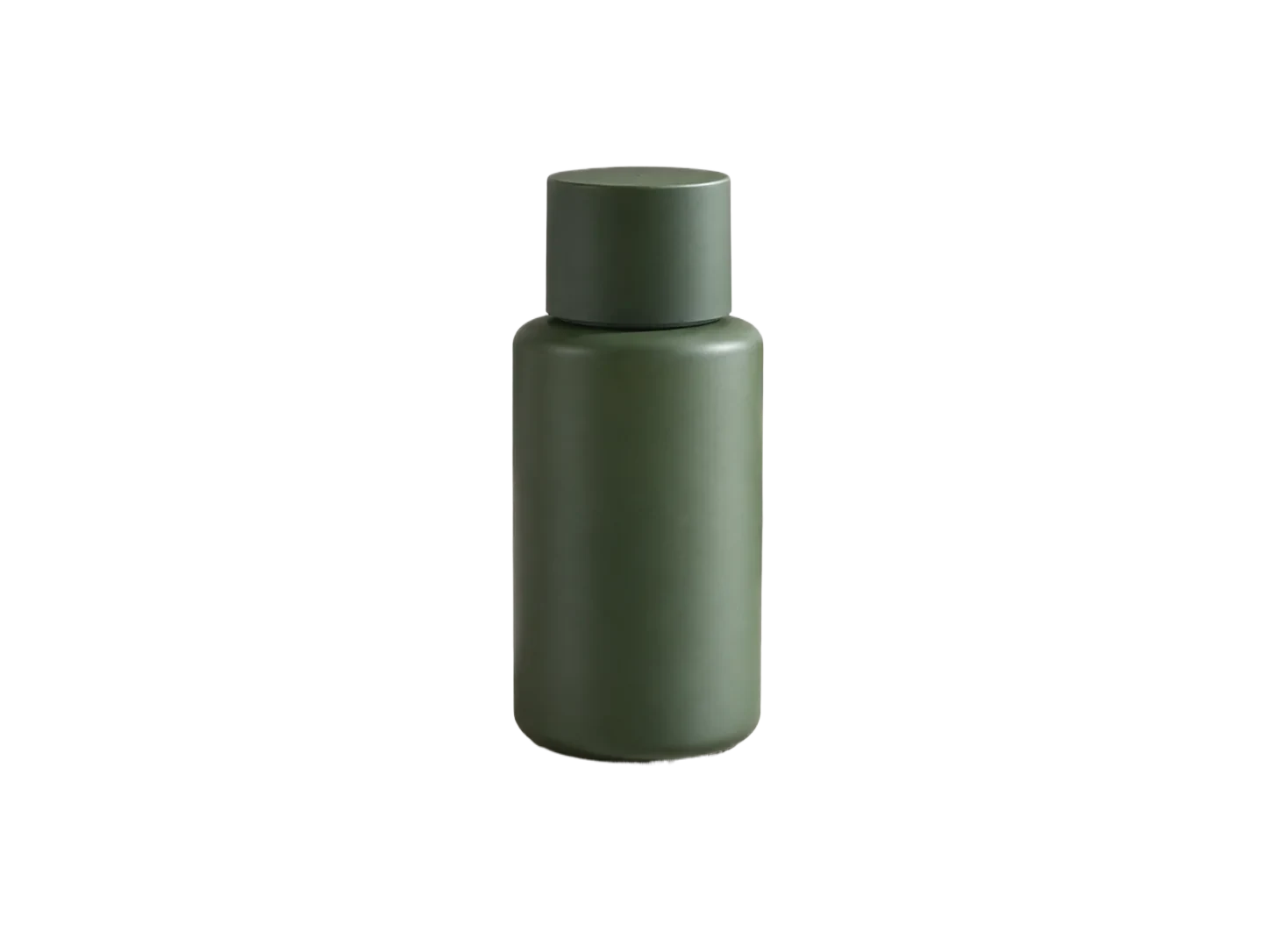
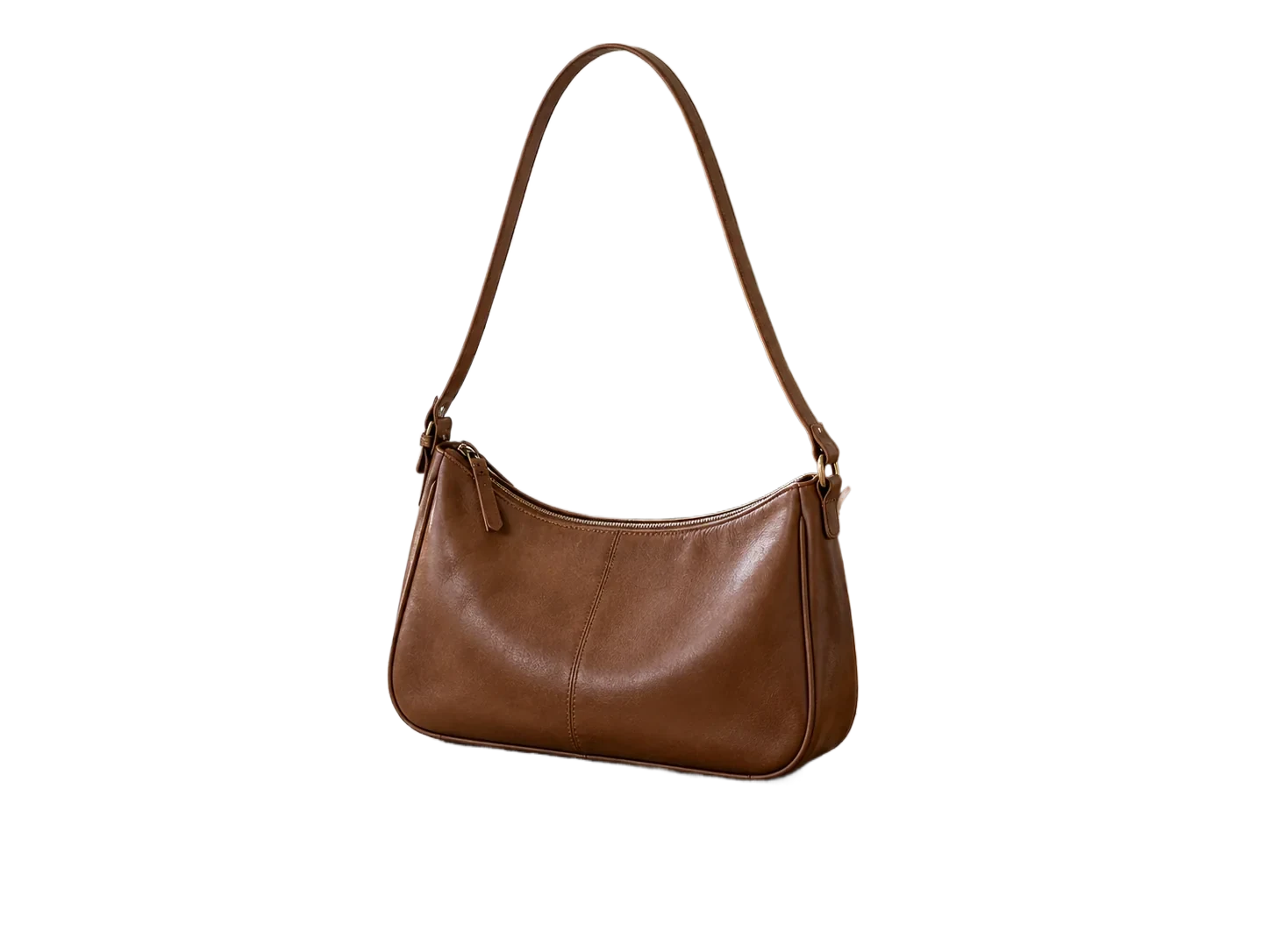
These are actual automatically processed examples. Review straps, openings and reflections on your own images.
How it works
- 01
Upload your product
- 02
Choose transparent or white
- 03
Check and download
Explore the details
One product, more ways to present it
Keep the background transparent for layouts and banners, or select white for a simple catalog image. The subject stays in its original position. This tool prepares images; it is not a marketplace plugin or a photography service.
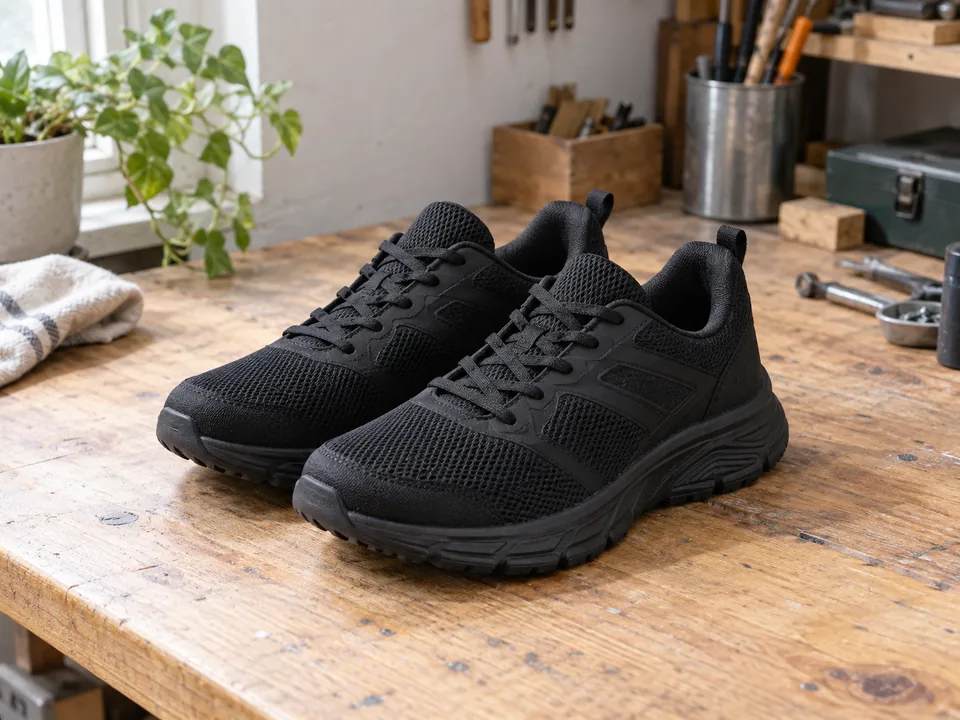
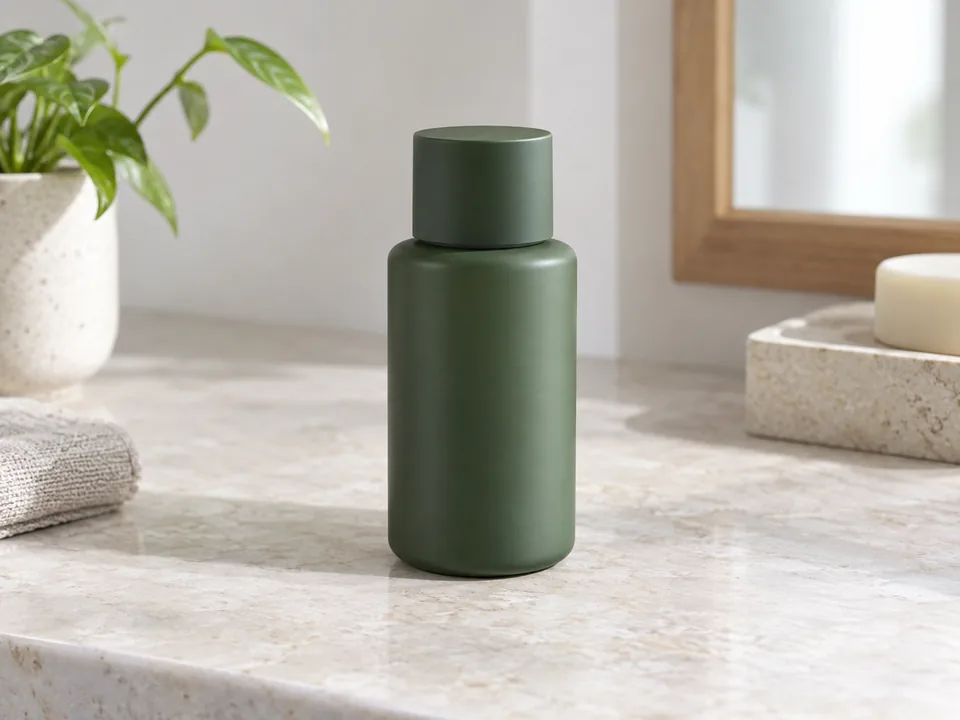
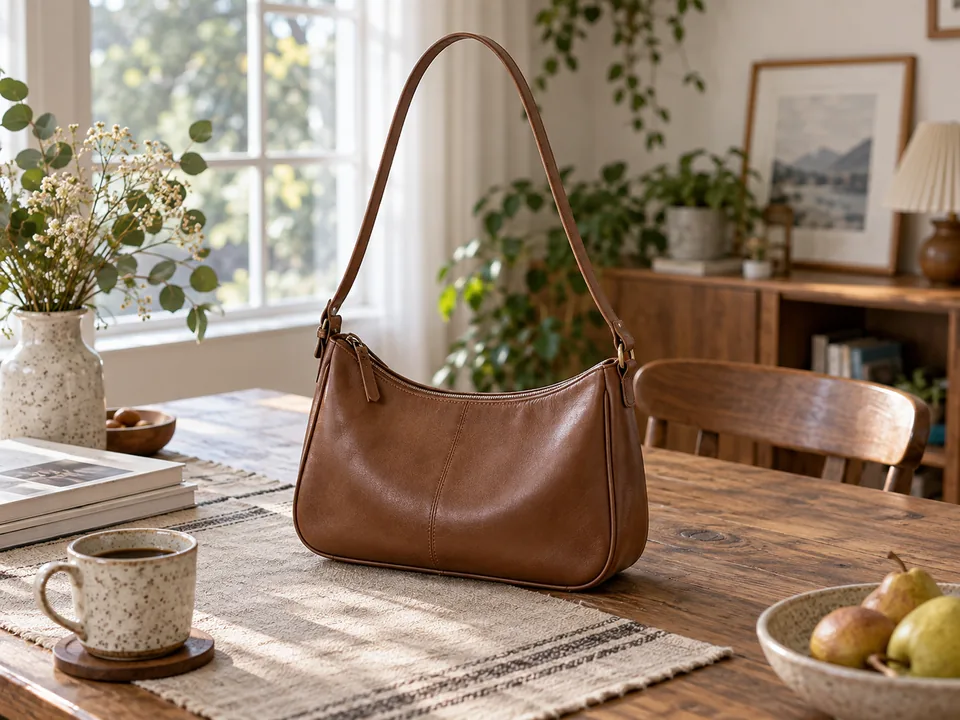
Inspect the details buyers will notice
Fine bag straps, shoe laces and reflective packaging need a closer look. Compare the automatic result with the original before downloading. The restore brush can bring back a missing detail, while erase removes leftover backdrop.
From individual images to a workflow
The editor accepts multiple images and lets you review and download them individually. For application integration, explore the API and its API-enabled plan requirements and per-image billing rules, using the same account credit balance. There is no automatic marketplace publishing or bulk background synchronization.
Explore the APIQuestions, answered.
Will transparent bottles work?
Transparent and reflective materials are difficult for segmentation. Test the actual image and inspect the result; these examples do not guarantee every material.
Does it add a product shadow?
No new shadow is generated. Some original shadow may remain in the automatic result and can be inspected or erased.
Can I apply one background to all images?
Not currently. Background choices and downloads are handled per image in the editor.
Ready for your own image?
Free PNG preview · No sign-up · No watermark