
Look at the details
Remove backgrounds around hair and fine edges.
Inspect background removal around curly and fine hair. Compare actual results, check light and dark backgrounds and refine the mask manually.
JPG, PNG, WebP or BMP · Up to 3 MB each
Free PNG preview · No sign-up · No watermark

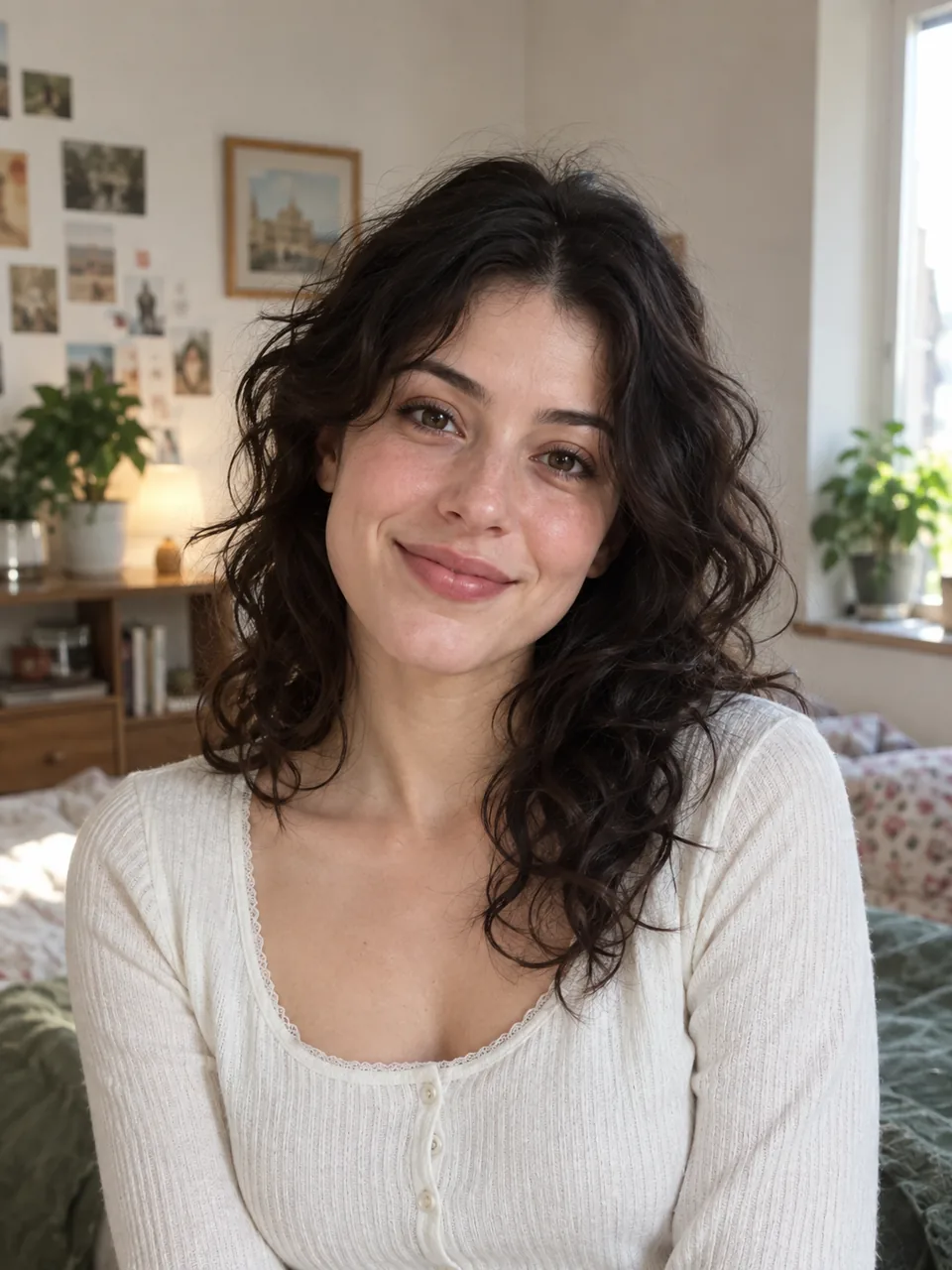
These automatic examples show the model’s actual edges. Fine strands and low contrast remain challenging.
How it works
- 01
Upload a full-resolution portrait
- 02
Inspect hair on contrasting backgrounds
- 03
Refine and download
Explore the details
Curly hair has spaces, not just an outline
Look between curls as well as around the silhouette. Background fragments can remain inside the hair while delicate strands disappear at the edge. Compare against the original before deciding which areas to erase or restore.
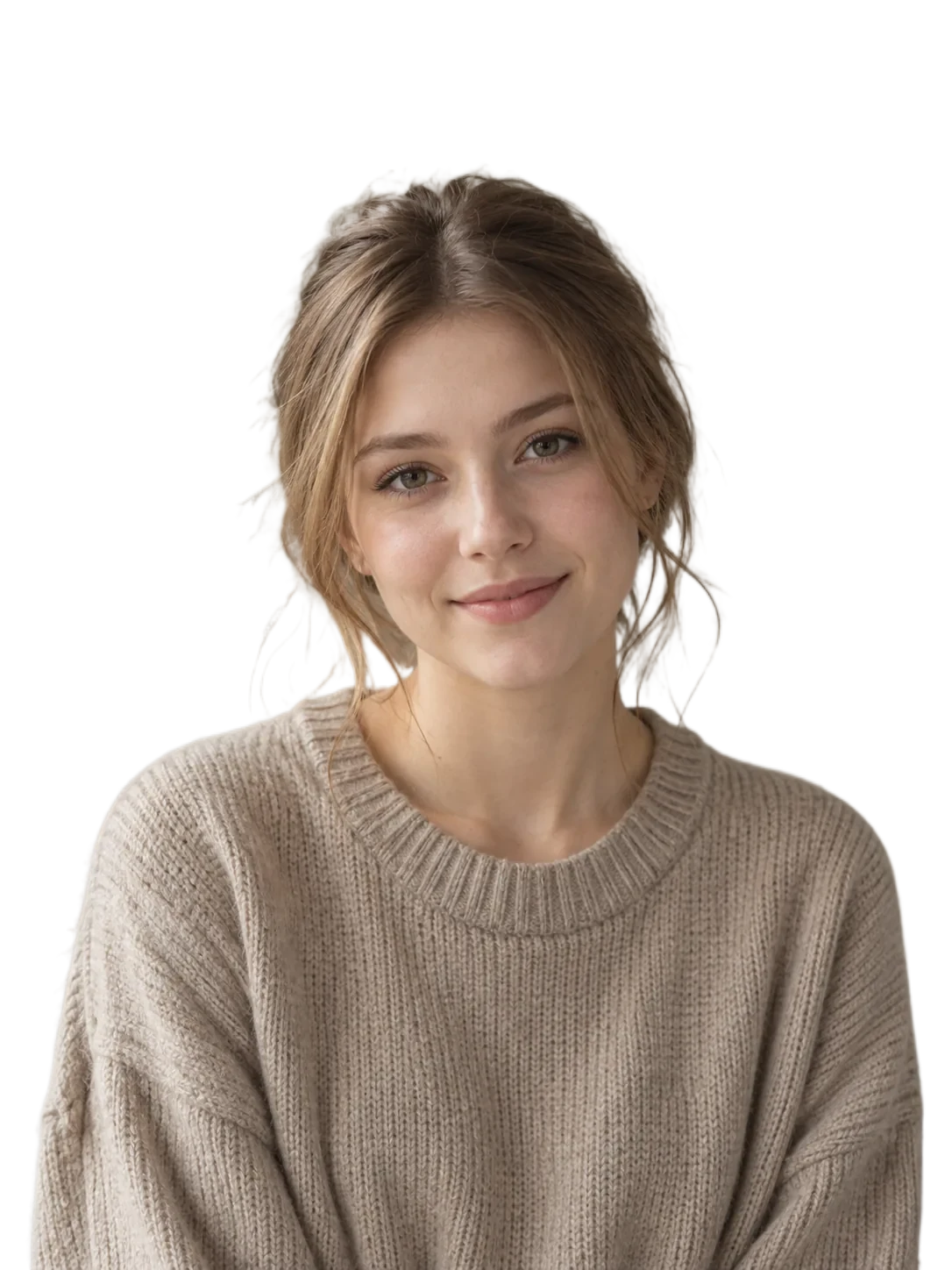
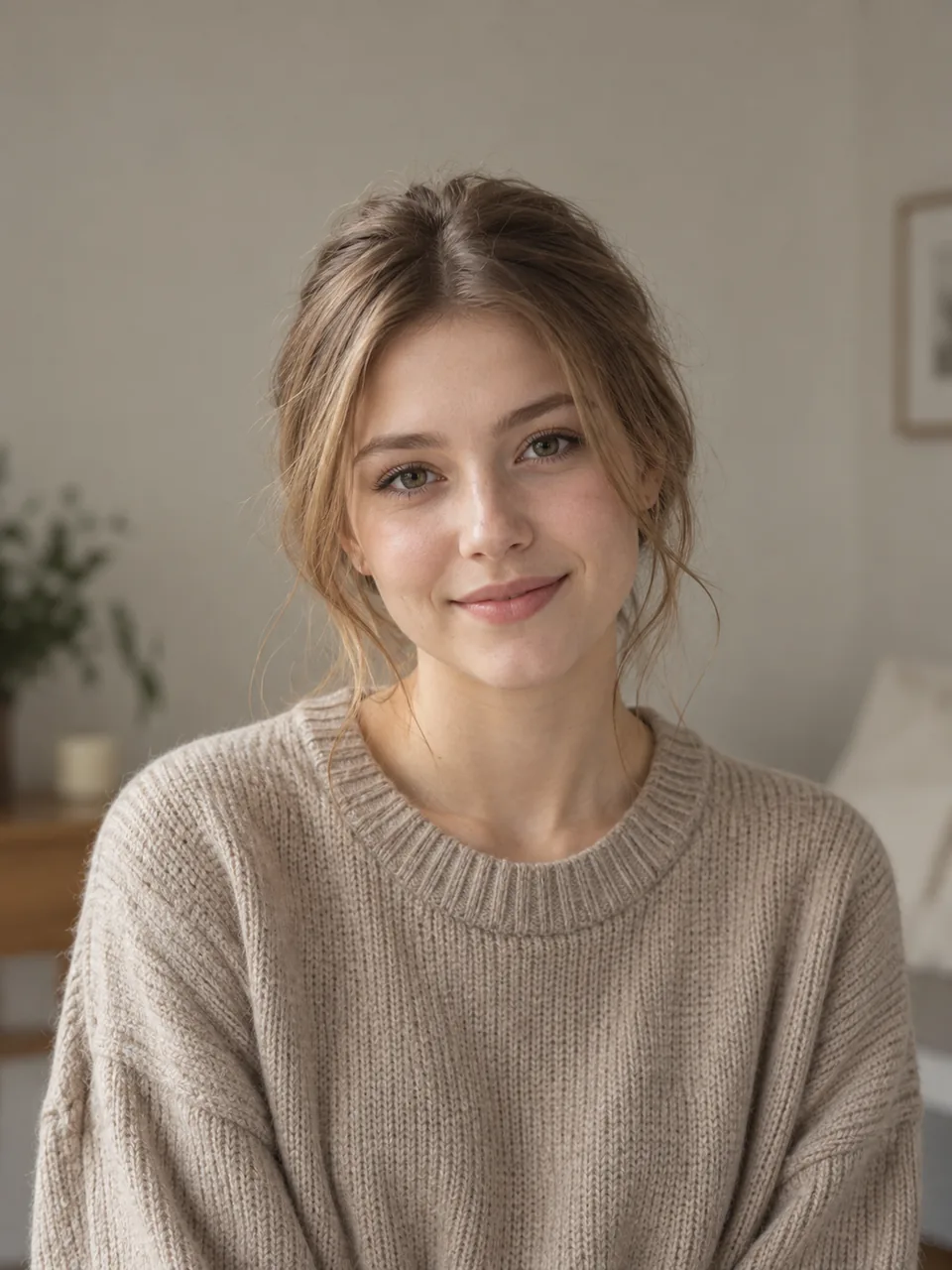
Low contrast needs a different kind of check
Blond or light brown hair against a similarly colored wall gives the model less separation to work with. A darker preview can reveal halos, but it does not restore lost strands by itself. Use manual refinement where it helps.
Review on the background you will use
An edge that looks natural on white may look bright on black. Check the intended background and download only after reviewing both the overall portrait and the fine details. No automatic result is a guarantee of perfect hair matting.
Questions, answered.
Does it keep every flyaway hair?
No. Very fine or low-contrast strands may be lost. Review the result and restore details where possible.
Why are the edges bright?
Some original background color can remain around soft edges. Inspect on your final background and refine with the editor.
Can I manually restore hair?
Yes. The restore brush brings back original pixels. Use it carefully because it can also restore some background.
Ready for your own image?
Free PNG preview · No sign-up · No watermark